User guide
To write content, prepare a title, introduction, body and image. Save as draft, review translations and metadata, then publish. Blocks linked to a composition are edited in Blocks.
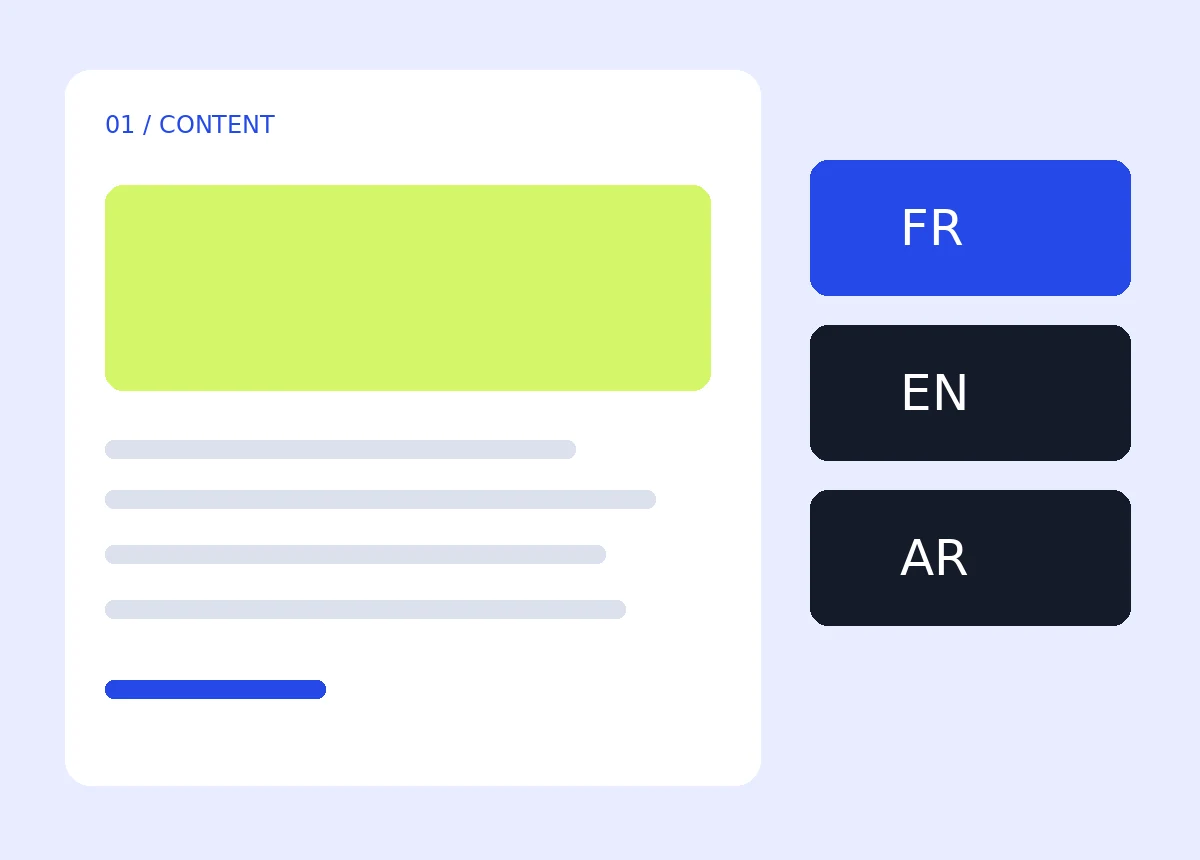
Give lasting content a clear structure. A Nexum Page brings together a presentation, a service or reference information, along with its translations and metadata.
A Page for lasting information
Each language has its own title, introduction, body and image. Status separates drafts, published content and archives. A composition can be attached to a Page to arrange content and Blocks into Sections and Columns, keeping editorial text separate from Template code.
Write and publish a Page
In Pages, add the French title and the translations. Choose an image from the media library, complete SEO fields and publish after review. Then add a Page destination to the existing menu. JSON compositions are prepared during integration. This version then lets you edit text in Pages and Blocks; it provides no general visual Section and Column editor.